
 ↗
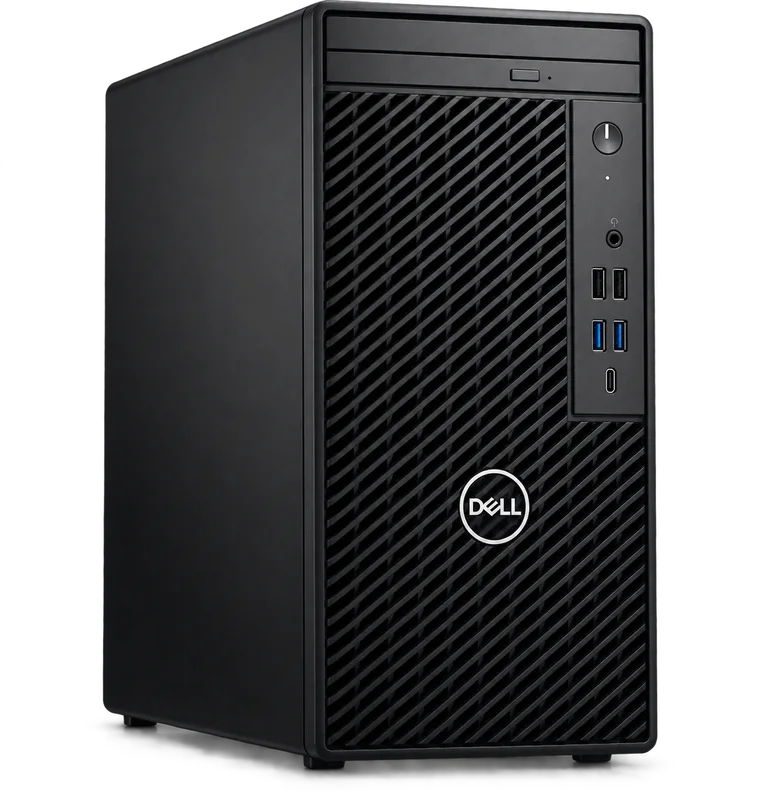
Dell OptiPlex 3000 Series Tower Desktop
From KES 65,000Brand new
A full-size business desktop for a dependable workspace.
View specs →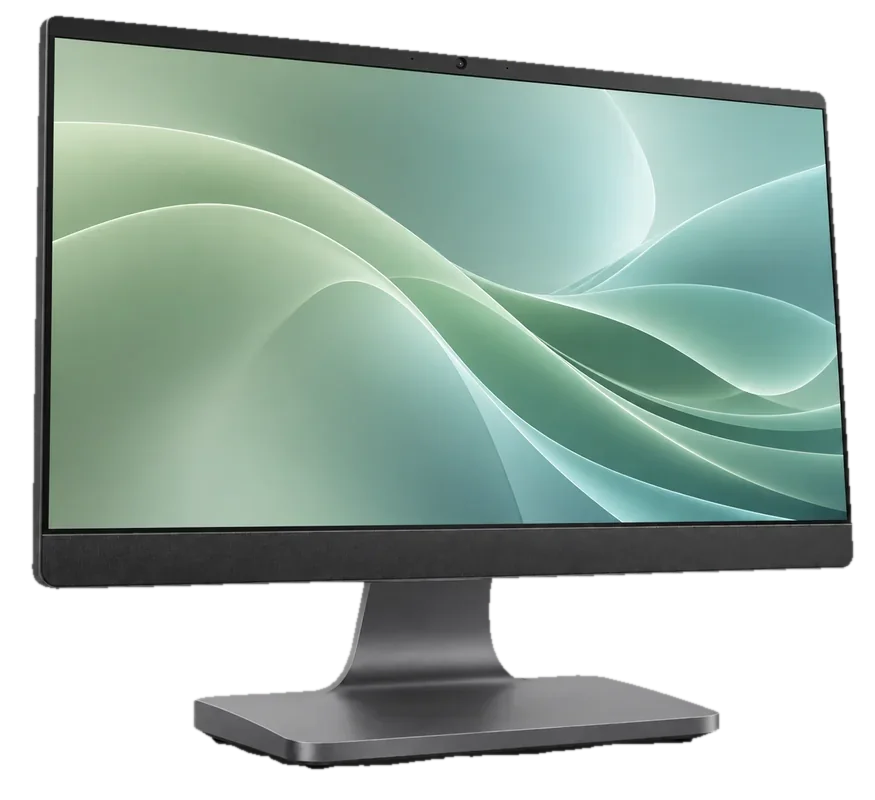
A clean, integrated workstation with fewer pieces on the desk.
Budget guide for a sample configuration. Skymax will confirm the exact unit, condition and price in writing.
Warranty guide: 12 months limited hardware cover. Covers defects under normal use. Accidental damage, liquid damage and software issues are excluded. How warranty works ↗
You’ll speak directly with sales about the exact specification, warranty and quote.
Representative configuration to help you compare. Your written quote will list the exact SKU and components.
| CPU | Intel Core i5 / AMD Ryzen, depending on SKU |
|---|---|
| RAM | 8 GB example |
| Storage | 512 GB SSD example |
| Display | Integrated display; size varies by model |
| Ports | USB-A, USB-C and HDMI; verify model |
| Condition | Brand new example; confirm actual unit |
| Warranty | 12 months limited hardware cover for the stated condition |
Specs, price, accessories, condition and warranty must be confirmed on the final quote.
Considering the Lenovo IdeaCentre AIO (All-in-One) in Kenya? The right choice starts with your work, the space it will occupy and the exact configuration you can buy. Here is a practical way to decide whether it belongs on your shortlist.
Get a quote ↗The Lenovo IdeaCentre AIO (All-in-One) is worth considering for front desks and home offices where a neat workstation matters. Start with a list of your must-have tasks and the people who will use the machine; it gives you a better basis for comparing models than appearance alone.
An all-in-one puts the computer and display together for a cleaner setup. It is useful where a separate tower would clutter a reception desk or shared room.
A desktop purchase is also a workspace decision. Think about the monitor, desk space, network connection and devices that need to plug in. A compact machine is easy to place, while a larger tower may be preferable when you want a traditional fixed workstation.
Check display size, adjustability, ports and service options; replacing a screen is different from replacing one on a separate desktop.
Ask for a complete list of what is supplied. Monitor, keyboard, mouse, operating system and wireless connectivity should be clearly specified, along with the exact hardware and warranty.
An all-in-one keeps the desk visually simple. A separate tower or mini PC lets you choose and replace the monitor independently. Consider how long the workstation will stay in service.
Tell Skymax what you plan to run and what matters most to your budget. We can discuss a suitable configuration, confirm the details of the unit being offered and help you compare it with alternatives in the collection.
↗A full-size business desktop for a dependable workspace.
View specs →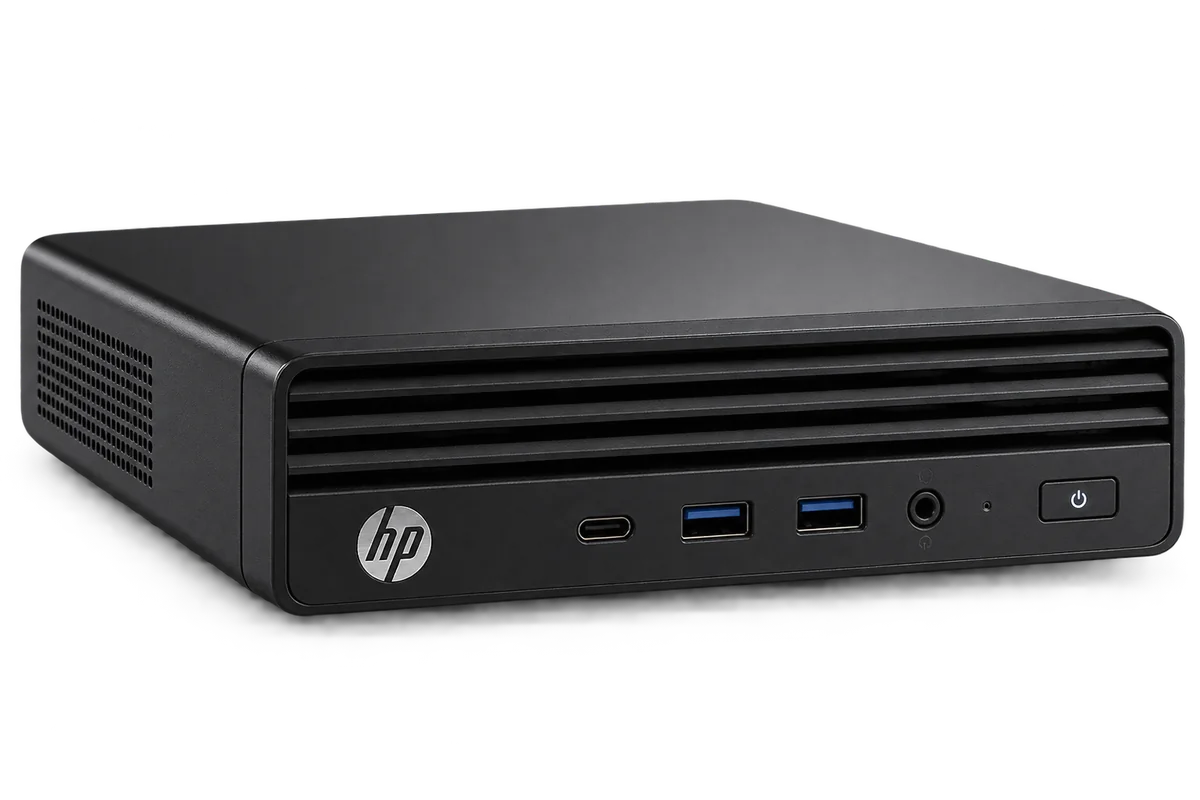 ↗
Business computing in a small footprint.
View specs →