 ↗
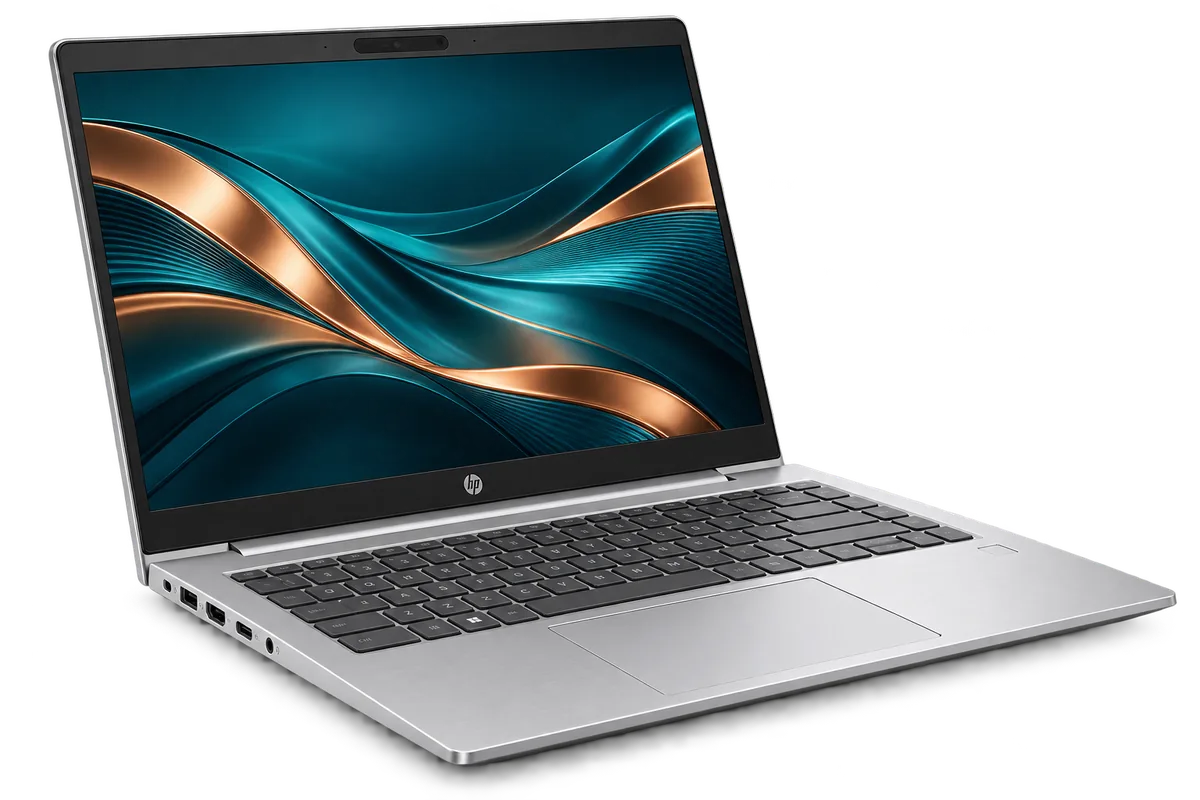
HP ProBook 440 G11
From KES 99,000Brand new
A compact business notebook for everyday office work and travel.
View specs →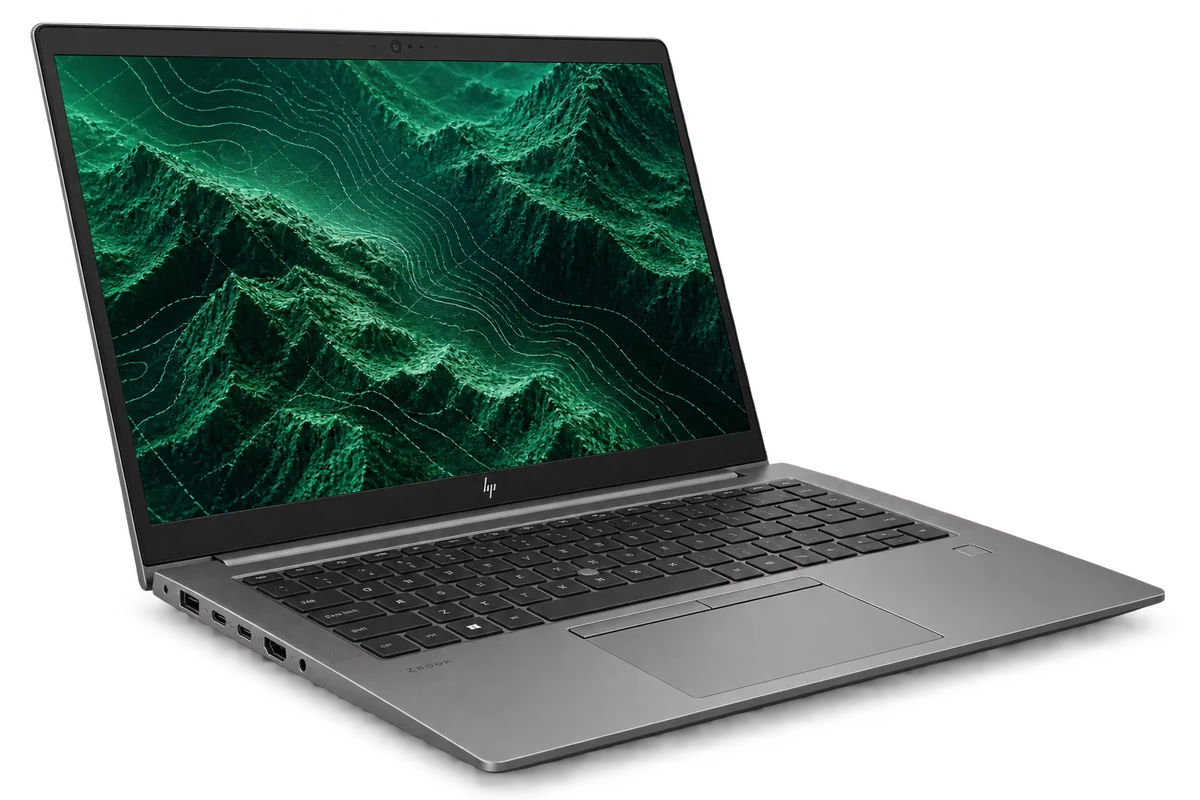
A portable workstation choice for technical and creative workflows.
Budget guide for a sample configuration. Skymax will confirm the exact unit, condition and price in writing.
Warranty guide: 6 months limited hardware cover. Covers defects under normal use. Accidental damage, liquid damage and software issues are excluded. How warranty works ↗
You’ll speak directly with sales about the exact specification, warranty and quote.
Representative configuration to help you compare. Your written quote will list the exact SKU and components.
| CPU | Intel Core i5 / i7, generation varies |
|---|---|
| RAM | 16 GB example |
| Storage | 512 GB SSD example |
| Display | 14-inch class display |
| Ports | USB-A, USB-C and HDMI; verify GPU and generation |
| Condition | Refurbished, Grade A example; confirm actual unit |
| Warranty | 6 months limited hardware cover for the stated condition |
Specs, price, accessories, condition and warranty must be confirmed on the final quote.
Considering the HP ZBook Firefly Mobile Workstation in Kenya? The right choice starts with your work, the space it will occupy and the exact configuration you can buy. Here is a practical way to decide whether it belongs on your shortlist.
Get a quote ↗The HP ZBook Firefly Mobile Workstation is worth considering for architects, engineers and editors who need more than a standard office notebook. Start with a list of your must-have tasks and the people who will use the machine; it gives you a better basis for comparing models than appearance alone.
A mobile workstation is worth considering when specialist applications, large project files or graphics work slow down a general-purpose laptop. The right ZBook configuration depends on the actual software and project size.
Think about where you will use it most. A machine carried to classes or meetings calls for a different balance of screen size and portability from one that stays on a desk. If your work involves specialised software, share its requirements rather than relying on a product family name.
Share the application name and minimum GPU, CPU and memory requirements with sales; graphics capability varies by generation and configuration.
Ask about the keyboard, charging, display and ports you will use every day. A quote for the same laptop family can cover very different configurations, so compare the details before comparing prices.
If your applications call for specific graphics hardware, start with the workstation shortlist. If the work is mainly email, spreadsheets and meetings, a ProBook may offer a simpler fit. Confirm your software requirements before buying either.
Tell Skymax what you plan to run and what matters most to your budget. We can discuss a suitable configuration, confirm the details of the unit being offered and help you compare it with alternatives in the collection.
↗A compact business notebook for everyday office work and travel.
View specs →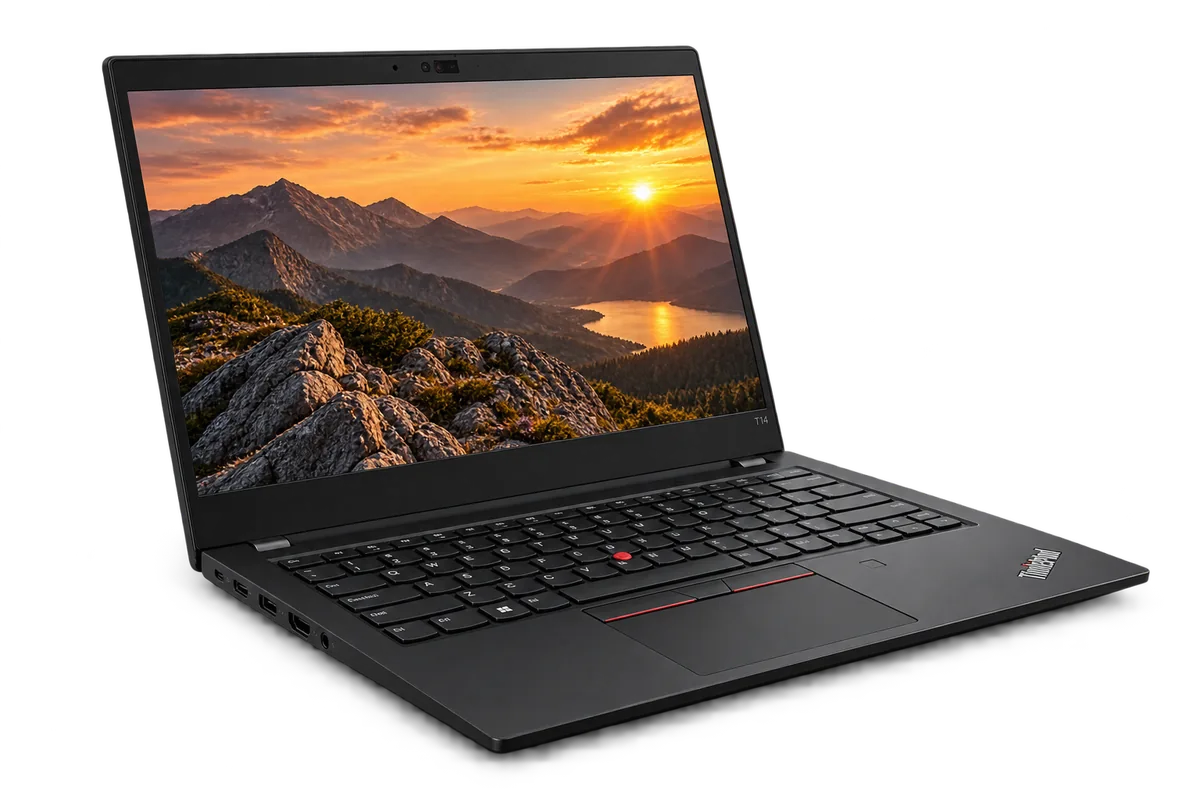 ↗
A premium business laptop for demanding, mobile workdays.
View specs →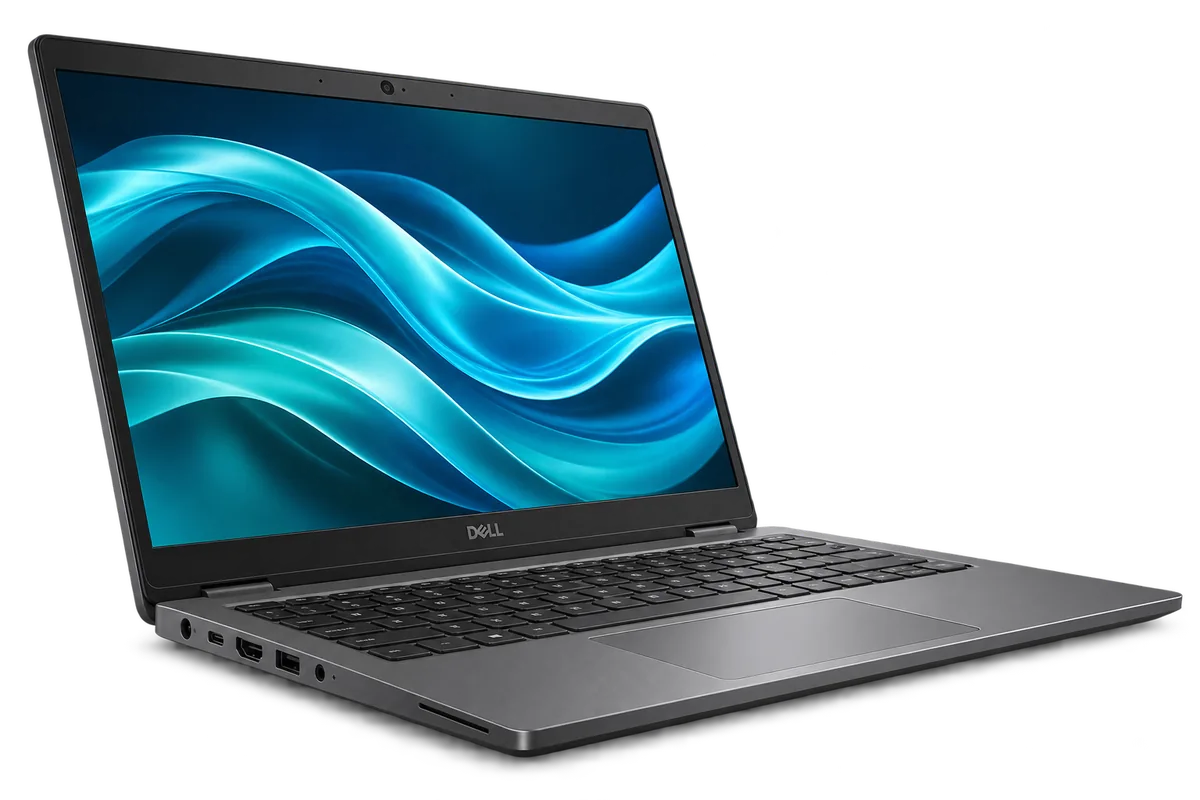 ↗
A business-focused Latitude for work between the desk and the road.
View specs →