
 ↗
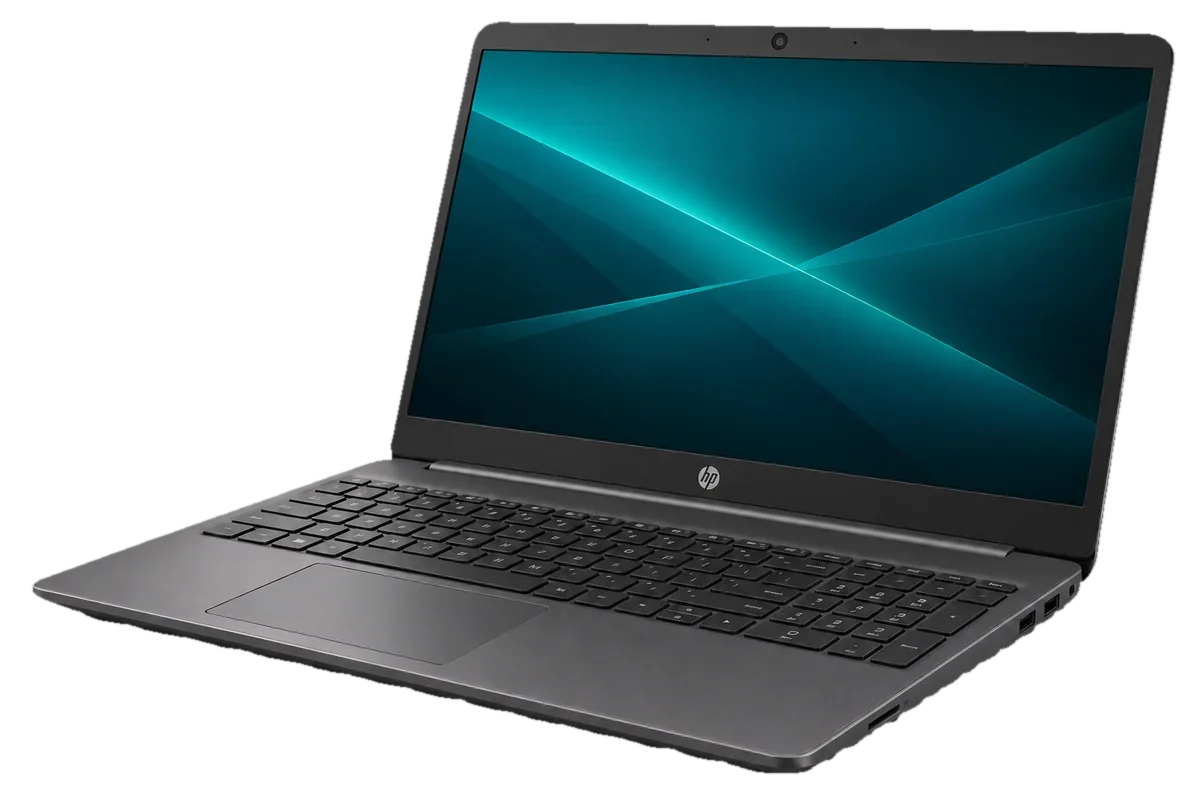
HP 250 G9 Notebook PC
From KES 35,000Brand new
A practical 15.6-inch notebook for documents, meetings and daily work.
View specs →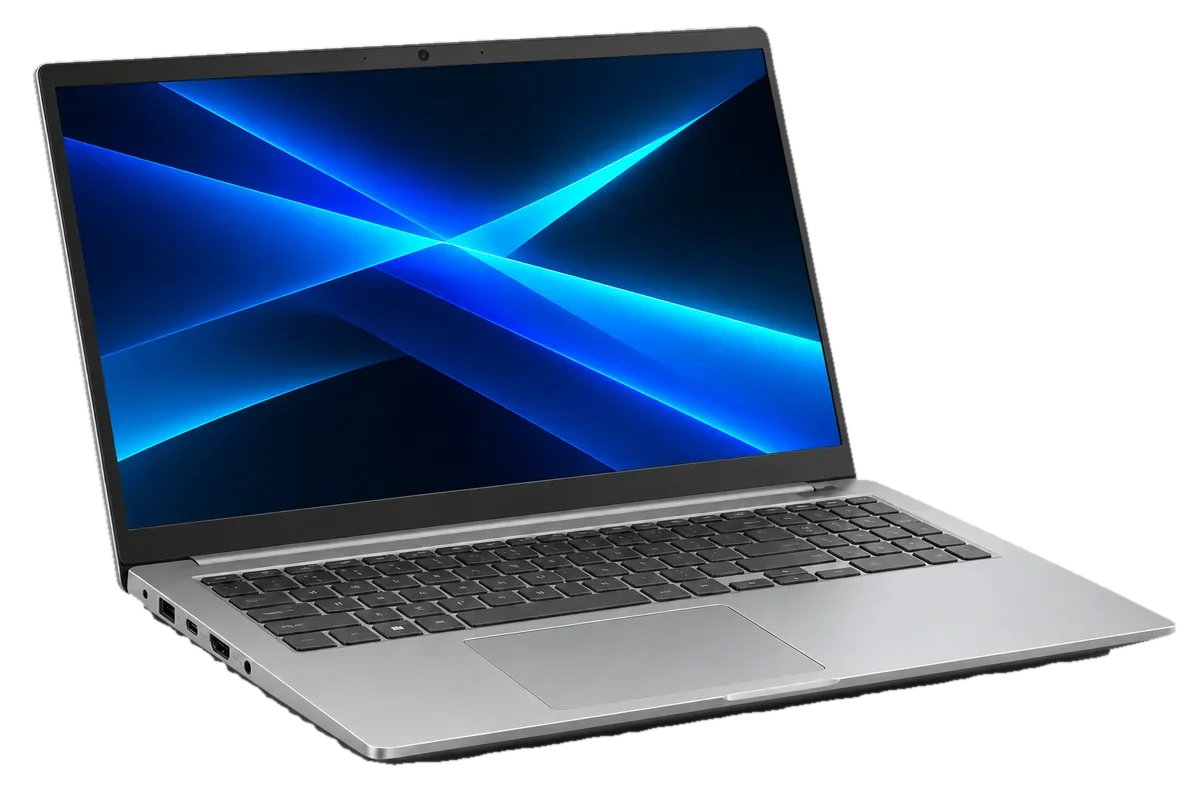
A roomy everyday laptop for study, browsing and office tasks.
Budget guide for a sample configuration. Skymax will confirm the exact unit, condition and price in writing.
Warranty guide: 12 months limited hardware cover. Covers defects under normal use. Accidental damage, liquid damage and software issues are excluded. How warranty works ↗
You’ll speak directly with sales about the exact specification, warranty and quote.
Representative configuration to help you compare. Your written quote will list the exact SKU and components.
| CPU | Intel Core i3 / i5 or AMD Ryzen, depending on SKU |
|---|---|
| RAM | 8 GB example |
| Storage | 256–512 GB SSD example |
| Display | 15.6-inch class display |
| Ports | USB-A, USB-C and HDMI; verify variant |
| Condition | Brand new example; confirm actual unit |
| Warranty | 12 months limited hardware cover for the stated condition |
Specs, price, accessories, condition and warranty must be confirmed on the final quote.
Considering the ASUS VivoBook 15 in Kenya? The right choice starts with your work, the space it will occupy and the exact configuration you can buy. Here is a practical way to decide whether it belongs on your shortlist.
Get a quote ↗The ASUS VivoBook 15 is worth considering for students, home users and small offices who want a larger everyday display. Start with a list of your must-have tasks and the people who will use the machine; it gives you a better basis for comparing models than appearance alone.
VivoBook 15 is a sensible option for research, documents, browsing and remote calls. If you use your laptop mainly on a desk, the roomier screen may be more useful than the smallest possible chassis.
Think about where you will use it most. A machine carried to classes or meetings calls for a different balance of screen size and portability from one that stays on a desk. If your work involves specialised software, share its requirements rather than relying on a product family name.
Check memory, SSD, screen quality, operating system and warranty on the precise unit.
Ask about the keyboard, charging, display and ports you will use every day. A quote for the same laptop family can cover very different configurations, so compare the details before comparing prices.
Both belong on an everyday laptop shortlist. Choose between the configurations actually offered, how the keyboard and screen feel to you, and whether the warranty fits your plans for study or home use.
Tell Skymax what you plan to run and what matters most to your budget. We can discuss a suitable configuration, confirm the details of the unit being offered and help you compare it with alternatives in the collection.
↗A practical 15.6-inch notebook for documents, meetings and daily work.
View specs →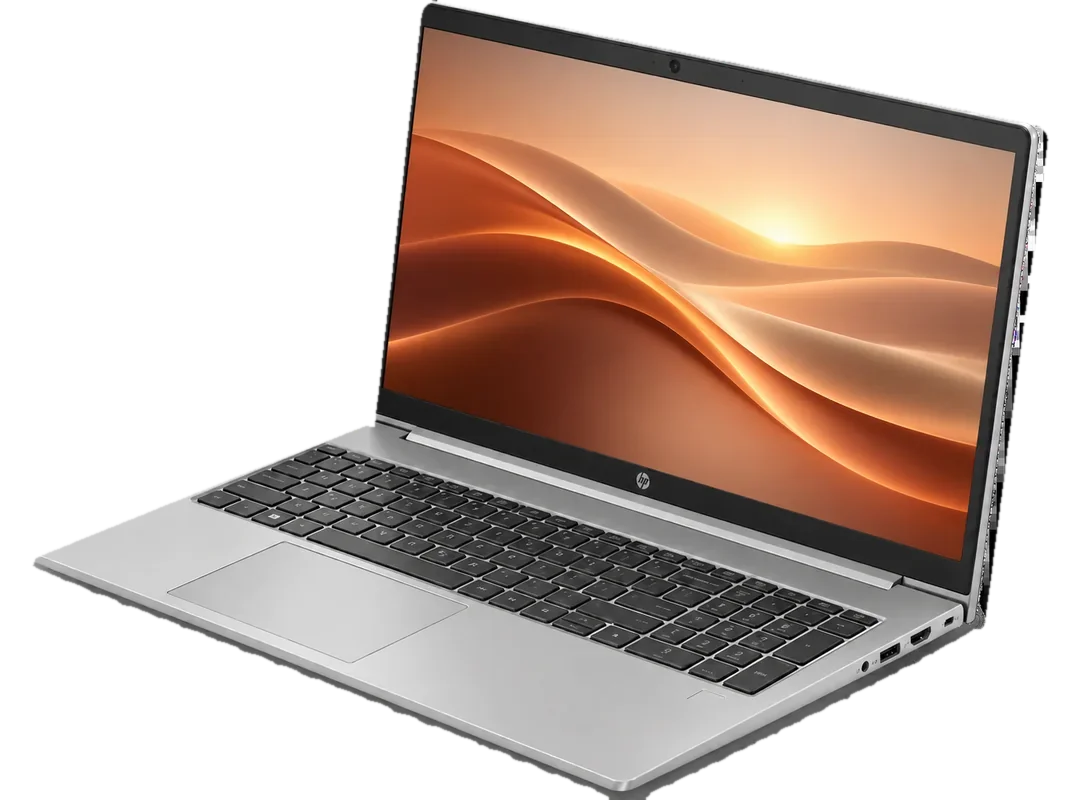 ↗
A versatile work laptop for busy teams and growing businesses.
View specs →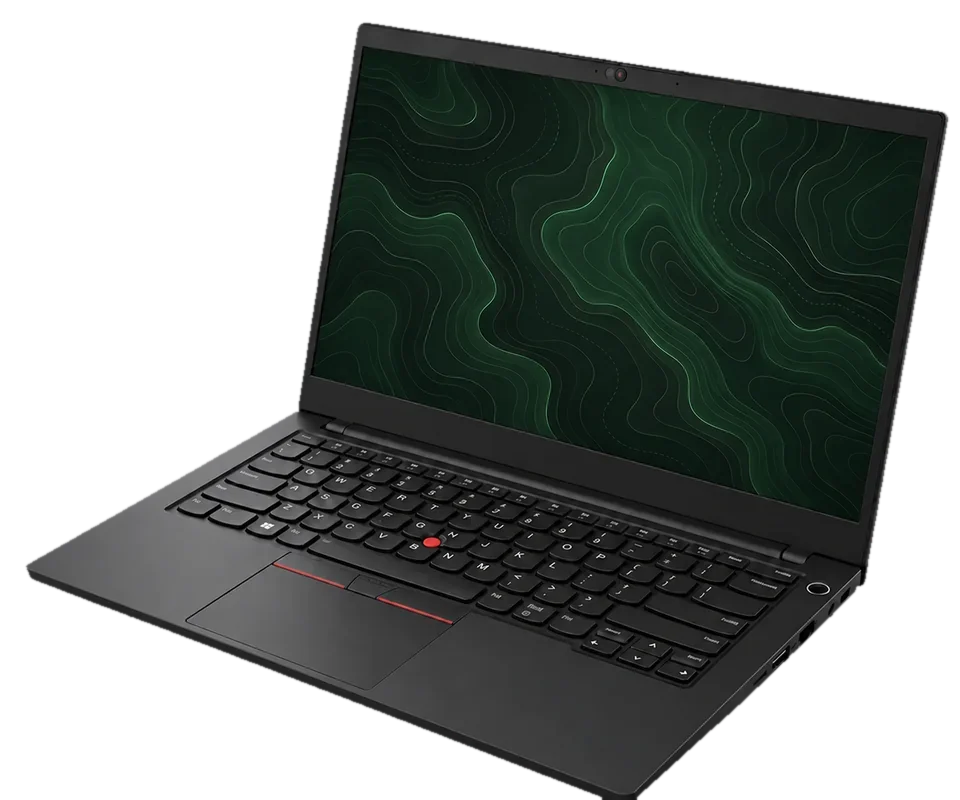 ↗
A portable ThinkPad built around productive workdays.
View specs →